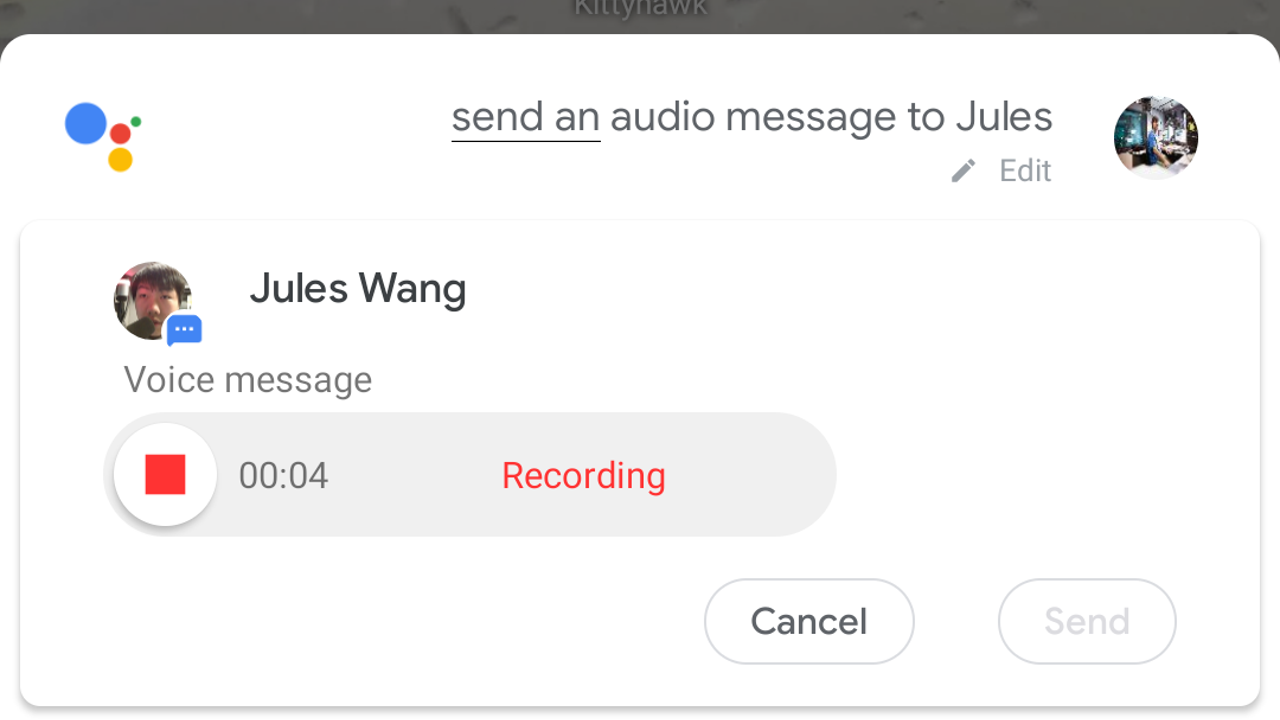
Do you trade more voice messages than texts with your contacts? You may appreciate the ability to do that with the help of Google Assistant as it gains dedicated command branches for sending clips. That means you can even do it hands-free while driving!
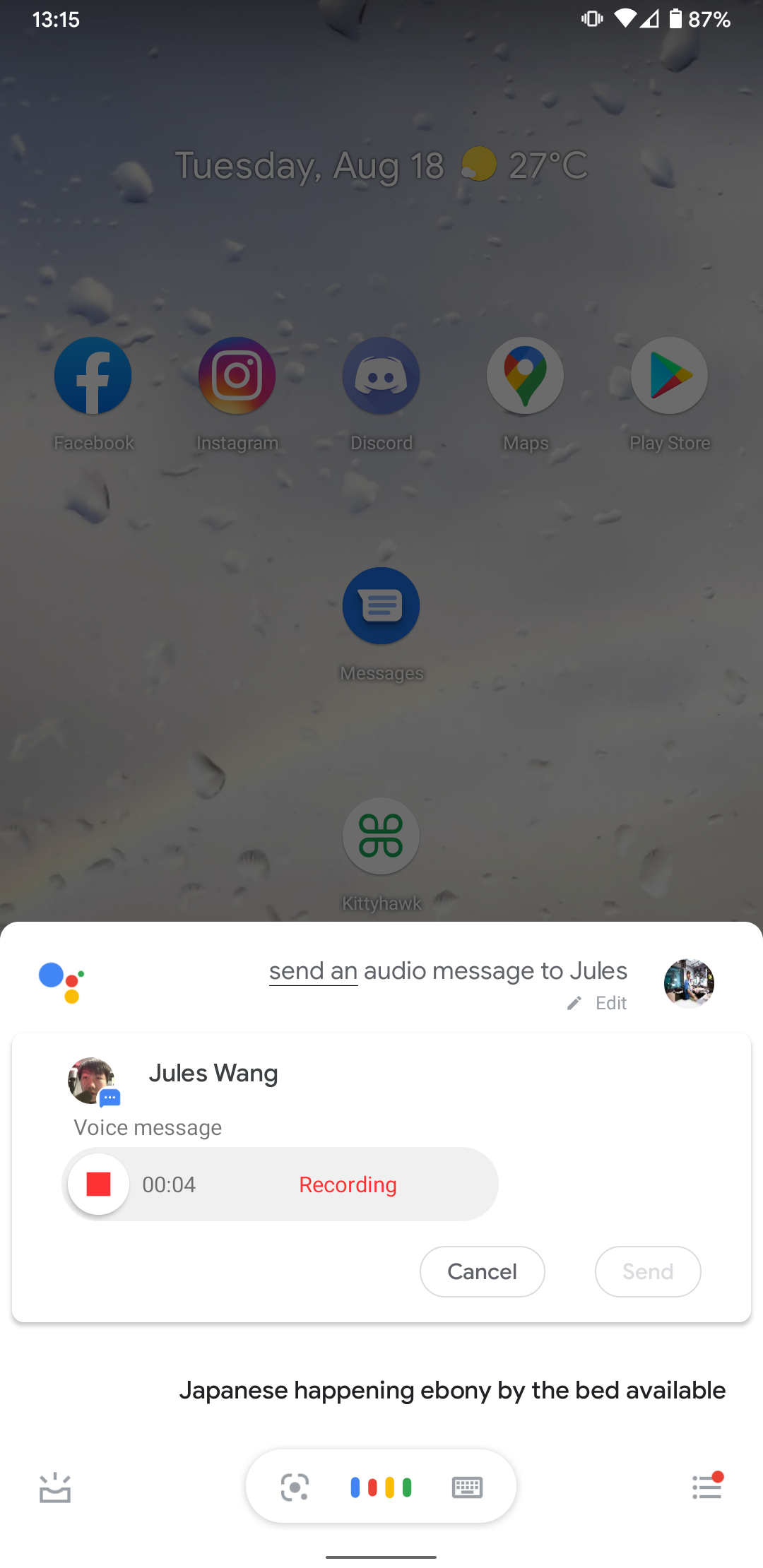

Just prompt Assistant by saying "OK Google," or tap the right button, then say "send an audio message to [contact]." You can then record your message — Assistant is quick to put on the brakes, so form a complete thought before saying it out loud or risk having to do another take — and then send it.
Read MoreYou can now use Assistant to send audio clips in Google Messages hands-free was written by the awesome team at Android Police.
Android Match


Post a Comment